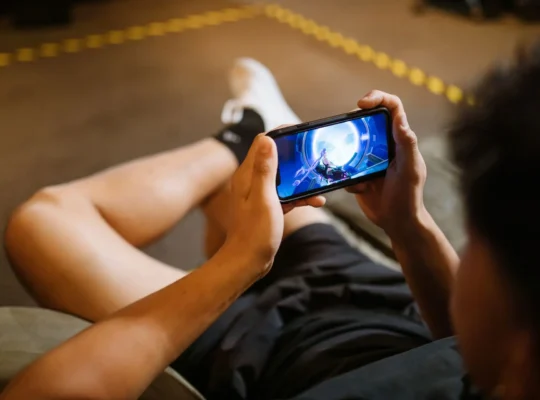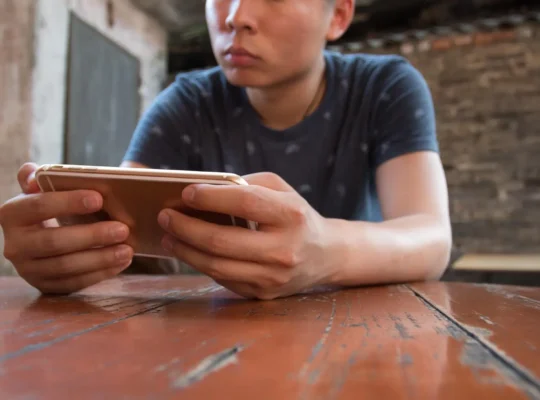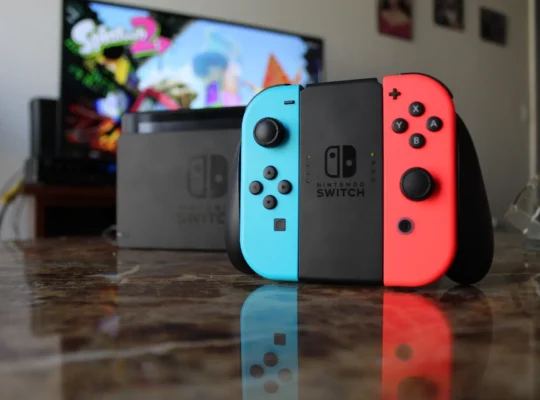
Want to play classic Nintendo DS games on your Android phone or tablet? You can do it with a Nintendo DS emulator, and modern Android devices are powerful enough to run many DS games smoothly.
Games such as Pokémon HeartGold and SoulSilver, Mario Kart DS, New Super Mario Bros., Animal Crossing: Wild World, Chrono Trigger, and The Legend of Zelda: Phantom Hourglass can all be played through compatible emulation software.
However, the emulator situation on Android has changed considerably over the years. DraStic used to be the obvious recommendation, but there are now other excellent options, including melonDS.
Here’s how Nintendo DS emulation works on Android in 2026.
What Do You Need to Play Nintendo DS Games on Android?
You only need a few things to get started:
- An Android phone or tablet
- A Nintendo DS emulator
- A legally obtained backup of your Nintendo DS game
- Enough storage for your games and save files
A Bluetooth controller is optional. Nintendo DS games generally work well with touchscreen controls because the original handheld already used a touchscreen.
Step 1: Download a Nintendo DS Emulator
An emulator is software that recreates the hardware of another system. In this case, a Nintendo DS emulator allows your Android device to run software originally designed for the Nintendo DS.
There are several options available.
melonDS
melonDS is one of the most popular open-source Nintendo DS emulators.
It’s available on multiple platforms and focuses on accurate Nintendo DS emulation.
Depending on the Android version you’re using, melonDS provides features such as customizable controls, save states, different screen layouts, and other settings that make DS games comfortable to play on a smartphone.
Because it’s open source and continues to receive development, melonDS is one of the first emulators I’d consider in 2026.
DraStic DS Emulator
For many years, DraStic was considered one of the best Nintendo DS emulators for Android.
It became popular because of its excellent performance, particularly on older and lower-powered Android devices.
DraStic includes useful features such as:
- Save states
- Fast-forward
- Customizable controls
- Adjustable screen layouts
- Graphics options
However, DraStic’s availability and development status have changed over the years, so check its current official availability before installing it.
Avoid downloading random modified APKs claiming to be DraStic. Emulator APKs from unknown websites can contain unwanted or malicious software.
Step 2: Get Your Nintendo DS Game Files
After installing an emulator, you’ll need a digital copy of the Nintendo DS game you want to play.
Nintendo DS game dumps commonly use the .nds file extension.
For example, a backed-up game might appear as:
Mario Kart DS.nds
The safest approach is to create backups from Nintendo DS games that you legally own.
Downloading copyrighted Nintendo DS games from ROM websites can violate copyright law depending on the game and your location, so this guide doesn’t recommend ROM download websites.
Step 3: Move Your Games to Your Android Device
Once you have your legally backed-up .nds files, place them somewhere easy to find on your Android device.
For example, you could create a folder named:
Nintendo DS
Then keep your DS game backups inside that folder.
Keeping your games organized makes it easier to locate them from your emulator.
Step 4: Open the Game in Your Emulator
Launch your Nintendo DS emulator.
Depending on the emulator, you’ll either browse to the folder containing your games or allow the emulator to scan your device for compatible files.
Select the .nds game you want to play.
The game should then launch inside the emulator.
Step 5: Configure Your Screen Layout
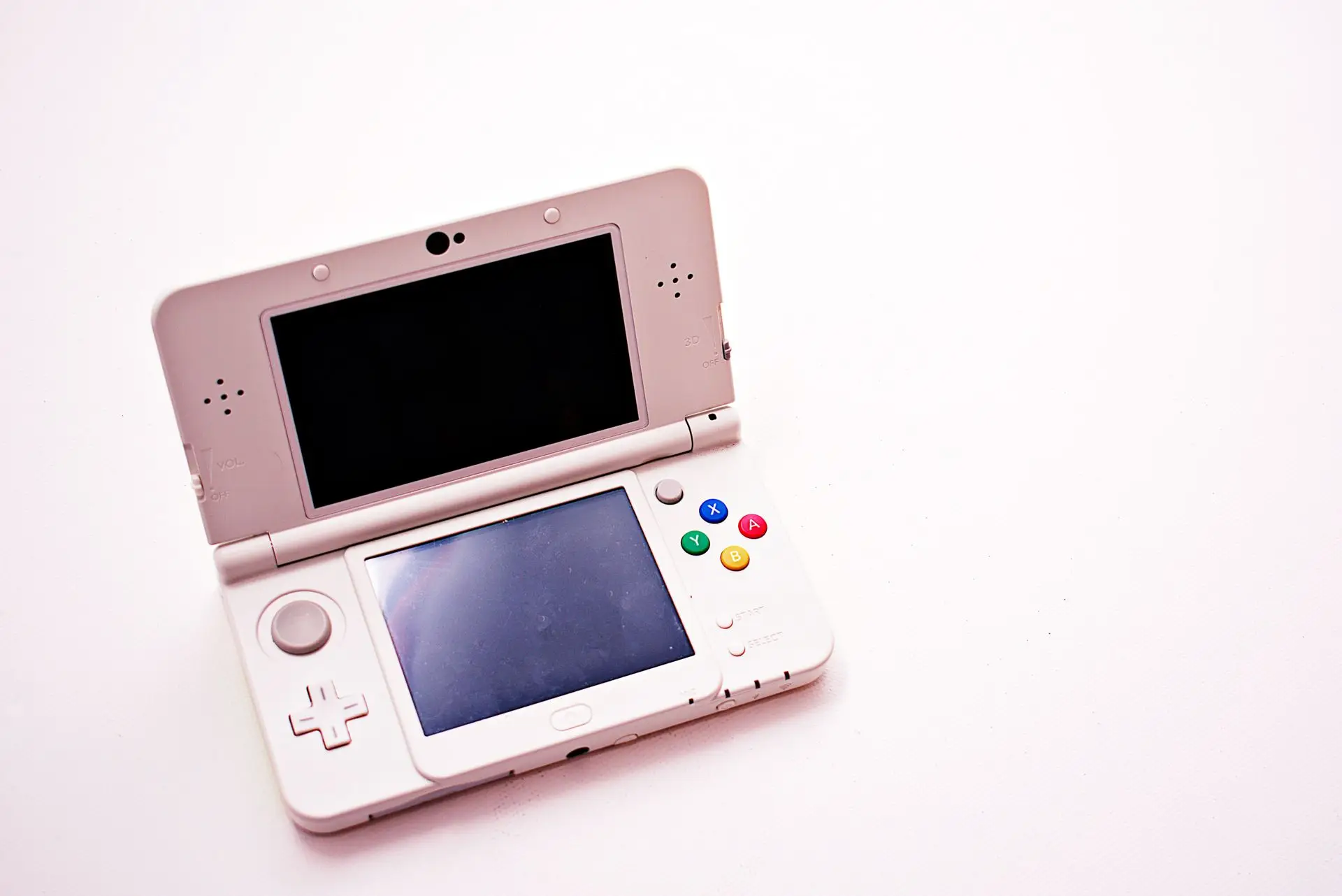
The Nintendo DS had two screens, which makes emulating it on a smartphone a little different from emulating older single-screen consoles.
Most DS emulators let you customize how the screens appear.
You might prefer:
Portrait mode with one screen above the other.
This resembles the layout of an actual Nintendo DS and works especially well for games that frequently use both screens.
Or you can use:
Landscape mode with the screens beside each other or one screen significantly larger than the other.
This can be better for games where most of the action happens on the top screen.
Experiment with different layouts until you find one that’s comfortable.
Step 6: Customize the Controls
Nintendo DS emulators display virtual buttons on your touchscreen.
You’ll typically see controls for:
- D-pad
- A
- B
- X
- Y
- L
- R
- Start
- Select
Most emulators allow you to reposition or resize these buttons.
If you don’t like touchscreen controls, you can also connect a compatible Bluetooth or USB controller to your Android device.
Using the Nintendo DS Touchscreen
One advantage of playing DS games on Android is that touchscreen games translate naturally to smartphones.
You can interact with the emulated bottom screen using your finger instead of a Nintendo DS stylus.
This works particularly well for games that rely heavily on touch controls.
For games requiring precise stylus movements, a capacitive stylus can make the experience more comfortable.
How to Save Your Games
There are usually two ways to save progress when using an emulator.
Normal In-Game Saves
This works like saving on a real Nintendo DS.
Whenever possible, use the game’s normal save system because it’s generally the safest method for long-term progress.
Save States
Save states capture the exact state of the emulator at a particular moment.
That means you can save almost anywhere—even when the original game wouldn’t normally allow it.
They’re extremely convenient, but don’t rely exclusively on save states. Emulator updates or configuration changes can occasionally cause compatibility problems with older states.
Use regular in-game saves as your main save method and save states as a convenient backup.
Useful Emulator Features
Modern Nintendo DS emulators provide features that weren’t available on the original hardware.
One of the most useful is fast-forward.
Fast-forward increases the game’s emulation speed, which can be helpful when you’re grinding levels in an RPG or moving through slow sections of a game.
Depending on the emulator, you may also find options for screen scaling, controller customization, save states, cheats, audio settings, and graphics improvements.
Best Nintendo DS Games to Play on Android
If you’re not sure what to play, the Nintendo DS has an enormous library of classics.
Some popular choices include:
- Pokémon HeartGold
- Pokémon SoulSilver
- Pokémon Platinum
- Mario Kart DS
- New Super Mario Bros.
- Animal Crossing: Wild World
- Chrono Trigger
- Kirby Super Star Ultra
- The Legend of Zelda: Phantom Hourglass
- The Legend of Zelda: Spirit Tracks
- Mario & Luigi: Bowser’s Inside Story
- Castlevania: Dawn of Sorrow
- Professor Layton series
Some games work particularly well on Android because they were already designed around touchscreen controls.
Why Is My Nintendo DS Emulator Lagging?
Nintendo DS emulation isn’t particularly demanding compared with newer consoles, so most reasonably modern Android phones should handle it well.
If you’re experiencing slowdowns, try closing background applications, disabling battery-saving modes, lowering enhanced graphics settings, or changing the emulator’s rendering options.
You should also make sure your emulator is updated.
Older Android phones may still struggle with certain games or more demanding graphics settings.
Can You Play Nintendo DS Games Online?
This depends heavily on the emulator and the game.
Nintendo’s original Nintendo Wi-Fi Connection service for the DS was discontinued in 2014. Community replacement servers exist, but multiplayer compatibility varies significantly between emulators and games.
Local wireless emulation can also be complicated.
If multiplayer is important to you, check the current documentation for your chosen emulator to see which wireless features it supports.
Frequently Asked Questions
What is the best Nintendo DS emulator for Android?
melonDS is one of the best options to consider because it’s open source and actively developed. DraStic has also historically provided excellent Nintendo DS performance on Android.
Are Nintendo DS emulators legal?
Emulator software itself is generally legal. Copyright issues usually involve obtaining and distributing copyrighted game files or system files without permission.
What file type do Nintendo DS games use?
Nintendo DS game dumps commonly use the .nds file extension.
Can Android phones run Pokémon DS games?
Yes. Compatible Nintendo DS emulators can run games such as Pokémon Diamond, Pearl, Platinum, HeartGold, SoulSilver, Black, White, Black 2, and White 2 on sufficiently capable Android devices.
You’ll need a legally obtained backup of the game you want to play.
Can I use a controller with a Nintendo DS emulator?
Yes. Many Android emulators support external Bluetooth or USB controllers. However, you’ll still need your phone’s touchscreen for games that rely on the DS touch display.
Do I need a powerful Android phone?
Usually not. Nintendo DS emulation is much less demanding than emulating newer systems, although performance varies by emulator, game, device, and settings.
Final Thoughts
Playing Nintendo DS games on Android is much easier than it was years ago.
Install a reputable emulator such as melonDS, transfer legally backed-up .nds games to your device, configure your controls and screen layout, and you’re ready to play.
Features such as save states, fast-forward, customizable screens, and external controller support can even make some classic Nintendo DS games more convenient to play on Android than on the original handheld.
Just remember to get your games legally rather than downloading copyrighted ROMs from random websites. Besides the copyright concerns, avoiding unknown ROM and APK sites also reduces your chances of downloading unsafe files.