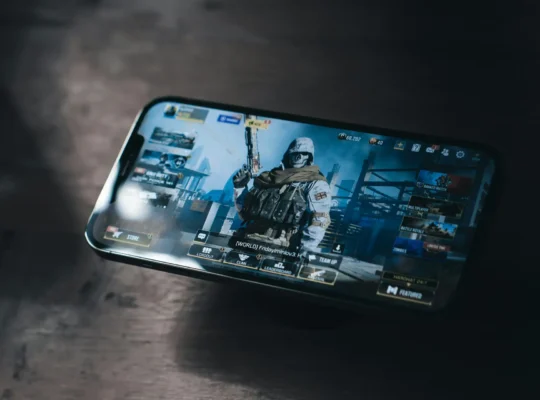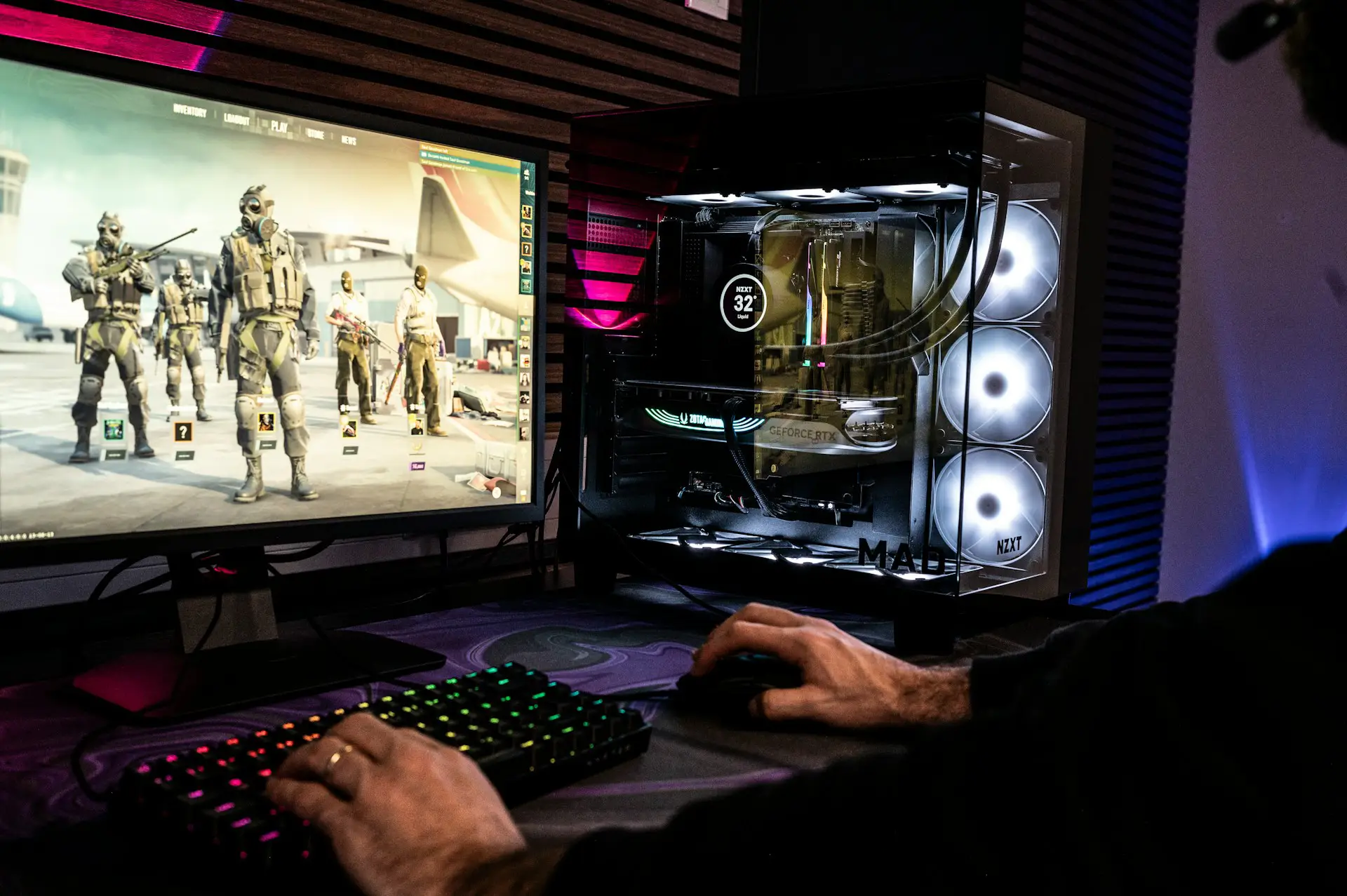
Call of Duty: Mobile is designed for Android and iOS, but some players prefer playing shooters with a larger screen, keyboard, and mouse.
For years, one of the most popular ways to play COD Mobile on PC has been through GameLoop, an Android emulator that provides keyboard and mouse controls for mobile games.
However, there’s an important warning before you install anything.
As of 2026, Activision’s official COD Mobile support information states that Call of Duty: Mobile does not support emulators. At the same time, GameLoop continues to offer COD Mobile through its PC emulator.
Here’s what you should know before trying it.
Can You Play COD Mobile on PC?
Technically, yes. GameLoop currently provides a PC version of COD Mobile that runs through its Android emulator.
GameLoop’s current COD Mobile page provides an installer and instructions for running the game on Windows.
However, COD Mobile doesn’t have a native Windows PC version comparable to Call of Duty games released through platforms such as Steam or Battle.net.
More importantly, Activision currently says that COD Mobile isn’t supported on emulators.
That means you should understand that playing through an emulator isn’t officially supported by Activision before proceeding.
What Is GameLoop?
GameLoop is an Android gaming emulator for Windows.
It allows Android games to run on a PC while providing features designed for desktop gaming, including keyboard and mouse controls, key mapping, resolution settings, and other performance options.
GameLoop continues to list Call of Duty: Mobile in its game library in 2026.
Visit the official GameLoop website
How to Play COD Mobile on PC With GameLoop
If you understand that Activision doesn’t officially support emulator play and still want to try GameLoop, the setup is relatively straightforward.
Step 1: Download GameLoop
Visit the official GameLoop website and download the Windows installer.
Avoid downloading GameLoop from random APK or software-download websites. Using the project’s official site reduces the risk of installing modified or outdated software.
Step 2: Install GameLoop
Open the downloaded installer and follow the instructions to install GameLoop on your computer.
Once installation finishes, launch the emulator.
Step 3: Find Call of Duty: Mobile
Open GameLoop’s game library and search for:
Call of Duty: Mobile
Make sure you choose the appropriate version for your region.
For example, players in regions served by Garena may encounter Call of Duty: Mobile – Garena, which GameLoop also currently lists separately.
Step 4: Install COD Mobile
Select the game and click Install.
GameLoop will download the files required to run COD Mobile through the emulator.
The download may take some time depending on your internet connection.
Step 5: Launch COD Mobile
Once installation is complete, select Play.
COD Mobile should launch inside GameLoop.
Sign in using the appropriate login method for your existing COD Mobile account if available.
Be careful when entering account credentials into any third-party software and make sure you’ve downloaded GameLoop from its official website.
Keyboard and Mouse Controls
One of the main reasons people want to play COD Mobile on PC is the ability to use a keyboard and mouse.
GameLoop provides predefined controls for COD Mobile and allows you to customize key mapping.
Typical controls include keyboard movement, mouse aiming, firing, aiming down sights, reloading, crouching, jumping, switching weapons, and using equipment.
You can change the key bindings if the default setup doesn’t feel comfortable.
Can You Use a Controller?
GameLoop advertises gamepad/controller support alongside its keyboard and mouse controls.
However, controller behavior can vary depending on your hardware, emulator version, and COD Mobile updates.
If your controller isn’t detected properly, check GameLoop’s current key-mapping and controller settings rather than relying on older tutorials.
Will You Play Against Mobile Players?
COD Mobile has historically identified emulator users and used separate matchmaking rules to reduce the advantage keyboard-and-mouse players would have against touchscreen players.
However, because Activision currently says emulators aren’t supported, I wouldn’t treat older matchmaking behavior as a permanent guarantee.
The game can change how emulator detection and matchmaking work through future updates.
Is GameLoop the Official COD Mobile Emulator?
This is where older guides can be misleading.
GameLoop currently describes itself as an official emulator for COD Mobile.
However, Activision’s current COD Mobile FAQ gives a much simpler answer when asked whether COD Mobile can be played on an emulator: No, the game doesn’t support emulators.
Because Activision is the game’s publisher, its current support documentation should take priority when deciding whether emulator play is officially supported.
For that reason, I would describe GameLoop as an emulator that currently offers COD Mobile, rather than promising readers that emulator use is officially supported by Activision.
Should You Use BlueStacks or Nox?
The old version of this article recommended BlueStacks and Nox if GameLoop didn’t work.
I wouldn’t recommend doing that in 2026.
Activision doesn’t officially support emulator play, and using alternative emulators adds another compatibility variable.
If GameLoop doesn’t work, switching between several Android emulators isn’t necessarily a good solution, particularly if the game doesn’t recognize them correctly.
Playing COD Mobile on a supported Android or iOS device remains the safest option.
GameLoop System Requirements
GameLoop currently lists Windows 8.1 64-bit or Windows 10 64-bit, 8 GB of RAM, a GTX 660 GPU, and an Intel i3-9320 among its minimum specifications for its COD Mobile listing.
Its recommended specifications increase memory to 16 GB and graphics to a GTX 1050.
Keep in mind that emulator performance can depend heavily on your CPU, GPU, available RAM, virtualization settings, and the graphics options you select.
How to Improve COD Mobile Performance on GameLoop
If COD Mobile runs slowly, start by lowering the emulator’s resolution and graphics settings.
You can also close unnecessary programs running in the background and make sure your graphics drivers are updated.
If your computer supports hardware virtualization, enabling the appropriate virtualization technology may also improve Android emulator performance.
Don’t automatically choose the highest graphics settings just because you’re playing on a PC. Stable frame rates are more useful in a competitive shooter than slightly better visuals.
Can You Get Banned for Playing COD Mobile on an Emulator?
This is another reason the article needs to be careful.
Activision currently states that COD Mobile doesn’t support emulators.
Because of that, I wouldn’t promise that using GameLoop—or any other emulator—is risk-free.
Policies, detection methods, and enforcement can change. If protecting your COD Mobile account is your priority, use the game on a supported Android or iOS device and follow Activision’s current rules.
Frequently Asked Questions
Can you play COD Mobile on PC?
GameLoop currently provides a way to install and run COD Mobile on Windows through Android emulation. However, Activision’s current support documentation says COD Mobile doesn’t support emulators.
Is there an official COD Mobile PC version?
COD Mobile is primarily a mobile game for Android and iOS. GameLoop runs the Android game through emulation rather than providing a native COD Mobile Windows release.
Is GameLoop still available in 2026?
Yes. GameLoop remains available and currently lists Call of Duty: Mobile in its game library.
Can I use my COD Mobile account on PC?
GameLoop allows COD Mobile to run through its emulator, and available login options depend on the game version and region. Make sure you’re using the correct COD Mobile version before signing in.
Can I use BlueStacks for COD Mobile?
You may find ways to install COD Mobile through other Android emulators, but Activision doesn’t officially support emulator play. For that reason, I wouldn’t recommend experimenting with unsupported emulators on an account you care about.
Is GameLoop safe for my COD Mobile account?
GameLoop currently distributes COD Mobile through its platform, but Activision’s official documentation says emulators aren’t supported. Therefore, it’s not appropriate to guarantee that emulator use is risk-free.
Final Thoughts
You can technically play COD Mobile on PC using GameLoop, and GameLoop continues to provide a dedicated COD Mobile installer and keyboard-and-mouse support in 2026.
But there’s an important difference between “it works” and “it’s officially supported.”
Activision’s current COD Mobile support documentation states that the game doesn’t support emulators.
If you still choose to use GameLoop, download it only from the official GameLoop website and understand the potential compatibility and account risks involved.
If you want the fully supported experience, playing COD Mobile on Android or iOS remains the better option.