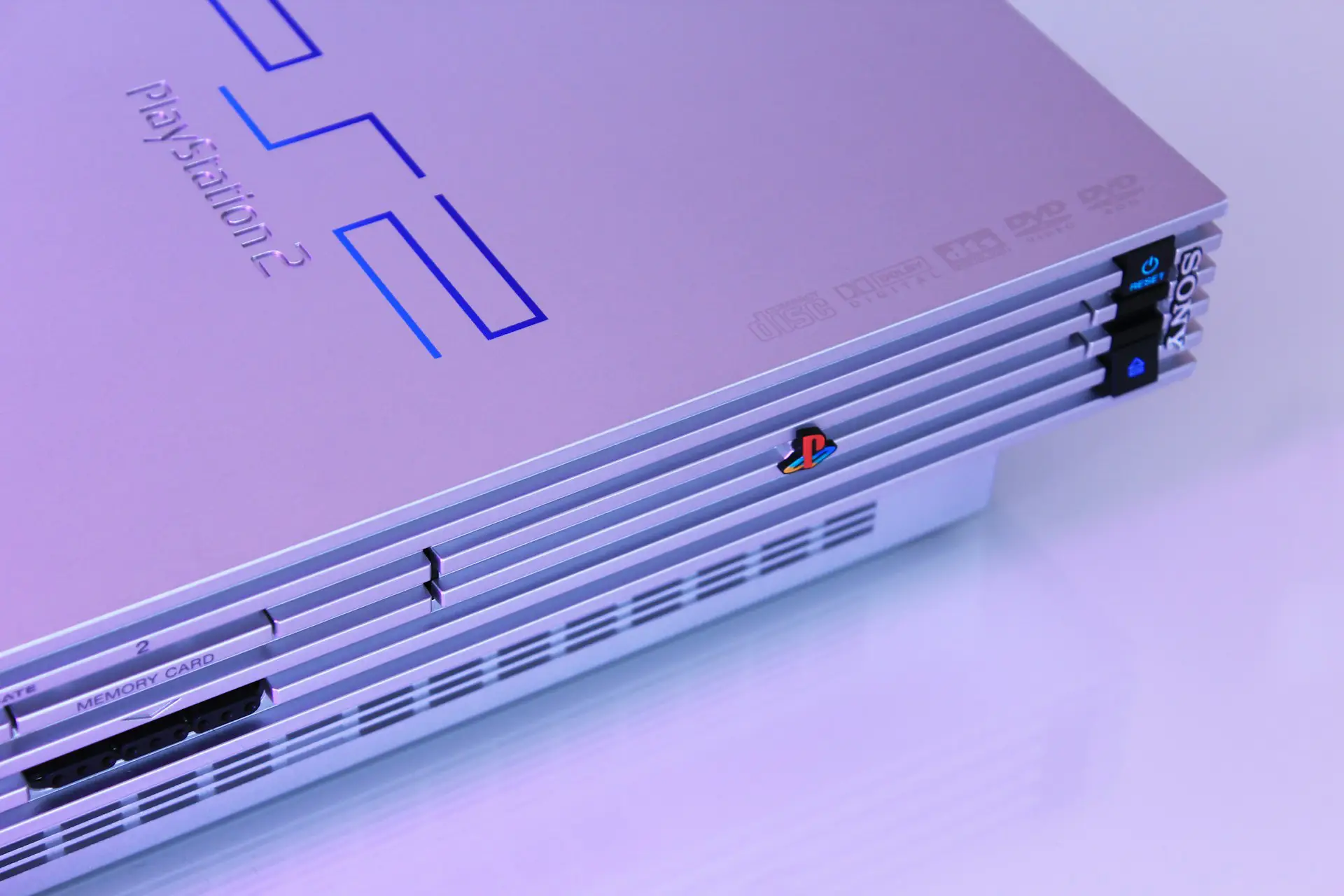
The PlayStation 2 (PS2) remains one of the most beloved video game consoles of all time. Released in 2000, it introduced players to legendary franchises like God of War, Grand Theft Auto: San Andreas, Final Fantasy X, Kingdom Hearts, Metal Gear Solid 3, and Shadow of the Colossus.
Thanks to modern Android hardware, you can now enjoy many of these classic games on your smartphone or tablet using a PS2 emulator.
This guide will show you how to play PS2 games on Android.
What You Need
Before getting started, make sure you have:
- An Android smartphone or tablet.
- A PS2 emulator.
- A PlayStation 2 BIOS.
- PS2 game backups (ISO format).
- Enough storage space for your games.
For the best experience, a mid-range or flagship device with a recent Snapdragon, MediaTek Dimensity, or Tensor processor is recommended.
Step 1: Install a PS2 Emulator
The first thing you’ll need is a PlayStation 2 emulator.
The most popular options in 2026 are:
- NetherSX2 (community-maintained version of AetherSX2)
- AetherSX2 (older but still widely used)
Both emulators support features such as:
- Save states
- External controllers
- Upscaled graphics
- Widescreen patches
- Custom controller layouts
- Performance settings
NetherSX2 is generally recommended because it continues to receive community improvements based on AetherSX2.
Step 2: Get a PS2 BIOS
A PS2 BIOS is required before most emulators can run PlayStation 2 games.
For legal reasons, you should create a BIOS backup from your own PlayStation 2 console.
After obtaining the BIOS, import it into your emulator following the on-screen setup instructions.
Step 3: Prepare Your PS2 Games
PS2 games are typically stored as ISO files.
If you own the original game discs, you can create digital backups using a compatible DVD drive and disc dumping software.
Store your game files in a dedicated folder on your Android device so they’re easy to find later.
Step 4: Load Your Games
Open your emulator and grant it permission to access your storage.
Select the folder containing your PS2 game backups.
The emulator should automatically detect compatible games and display them in your library.
Simply tap a game to begin playing.
Improve Performance
If a game runs slowly, try adjusting these settings:
- Lower the internal resolution.
- Enable performance-focused rendering.
- Use Vulkan if your device supports it.
- Disable unnecessary graphical enhancements.
- Close background apps before playing.
Different games may require different settings, so don’t be afraid to experiment.
Can You Use a Controller?
Yes.
Most PS2 emulators support Bluetooth and USB controllers, including:
- PlayStation DualSense
- DualShock 4
- Xbox Wireless Controller
- Many third-party Bluetooth controllers
Using a physical controller usually provides a much better experience than touchscreen controls, especially for action games.
Frequently Asked Questions
Can Android phones run PS2 games?
Yes. Many modern Android devices can emulate PS2 games smoothly, although performance depends on your device’s processor and the game you’re playing.
Do I need a BIOS?
Yes. Most PS2 emulators require a PlayStation 2 BIOS before they can run games.
Is AetherSX2 still available?
Yes. While AetherSX2 is still widely used, many players now prefer NetherSX2, a community-maintained version that builds upon AetherSX2’s foundation.
Can I play every PS2 game?
Not necessarily. While many games are fully playable, compatibility varies depending on the emulator, your device, and the specific game.
Is it legal to emulate PS2 games?
Emulators themselves are legal in many countries. However, you should only use BIOS files and game backups that you legally own. Downloading copyrighted games or BIOS files without permission may violate copyright laws in your region.
Best PS2 Games to Try
If you’re new to PS2 emulation, here are some classics worth revisiting:
- God of War II
- Grand Theft Auto: San Andreas
- Final Fantasy X
- Persona 4
- Metal Gear Solid 3: Snake Eater
- Shadow of the Colossus
- Kingdom Hearts II
- Resident Evil 4
- Okami
- Burnout 3: Takedown
Final Thoughts
Playing PS2 games on Android has never been easier. With powerful modern smartphones and excellent emulators like NetherSX2 and AetherSX2, many classic PlayStation 2 titles can be enjoyed almost anywhere.
For the best experience, use a capable Android device, pair it with a Bluetooth controller, and play legally backed-up copies of your favorite PS2 games. Once everything is set up, you’ll be ready to relive some of the greatest games ever released on the PlayStation 2.