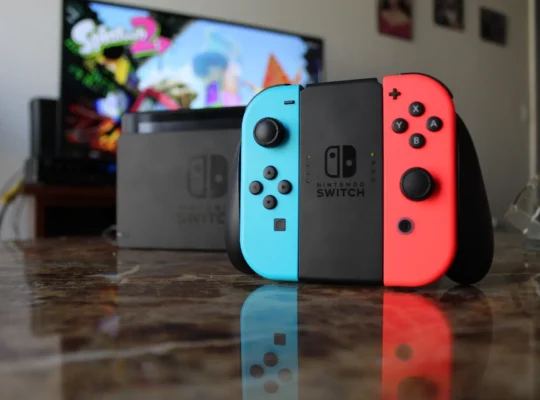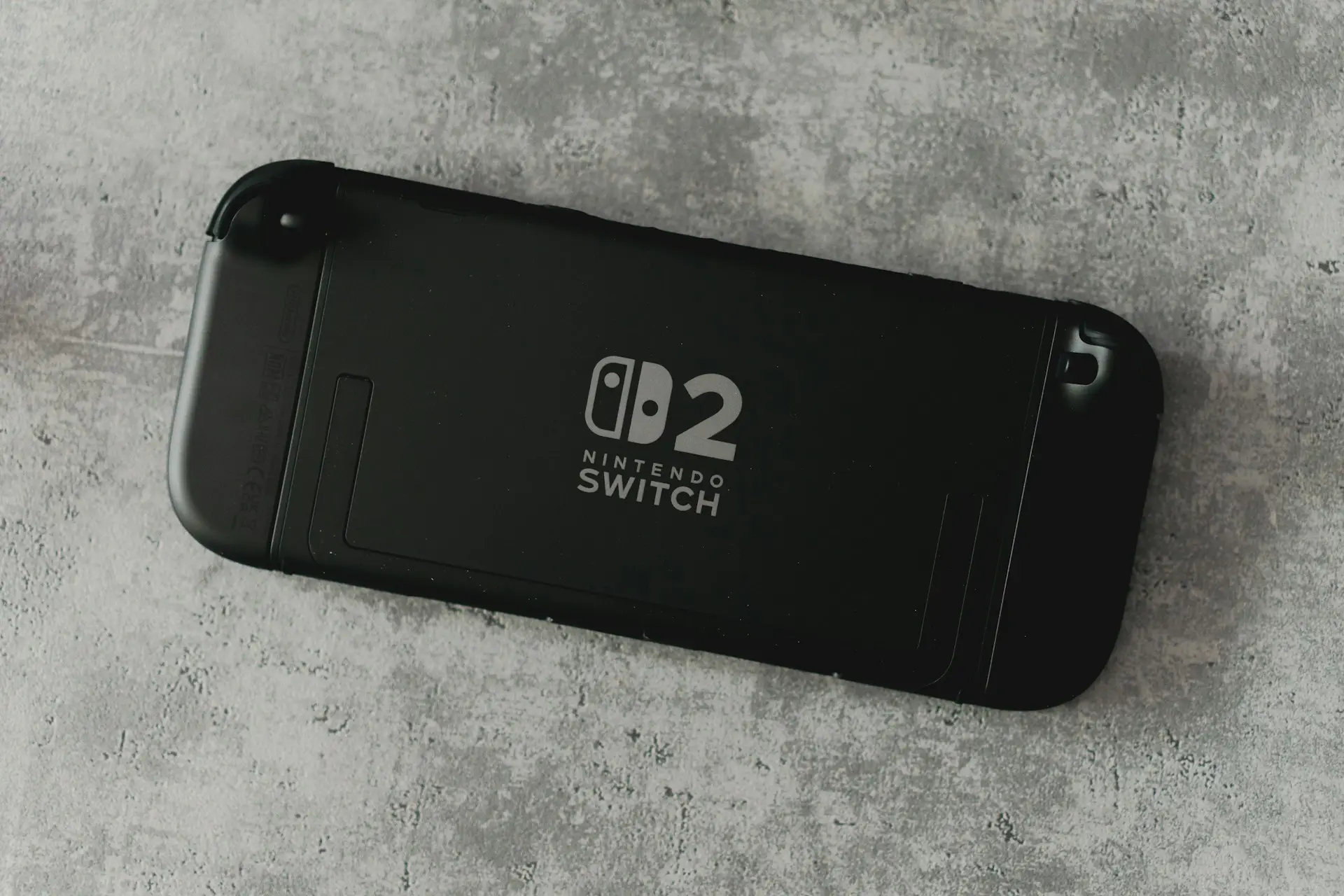
The Nintendo Switch is designed to spend most of its time in Sleep Mode, allowing you to quickly resume your games while using very little power. For everyday use, Nintendo recommends putting the console to sleep instead of shutting it down completely.
However, there are times when you may want to turn off your Nintendo Switch, such as when you’re traveling, storing the console for an extended period, or troubleshooting a problem.
This guide will show you how to properly power off your Nintendo Switch.
Sleep Mode vs. Power Off
Before turning off your console, it’s important to understand the difference.
Sleep Mode
Sleep Mode is ideal for everyday use because it:
- Uses very little battery power.
- Lets you resume your game almost instantly.
- Continues downloading games and software updates while connected to the internet.
- Keeps your console ready to play at any time.
To enter Sleep Mode, simply press the Power Button once.
When Should You Turn Off Your Nintendo Switch?
Completely shutting down your Switch is recommended when:
- You won’t be using it for several days.
- You’re storing the console for a long period.
- You need to troubleshoot software issues.
- The console becomes unresponsive.
- You’re preparing to remove the battery from an accessory or transport the system.
How to Turn Off Your Nintendo Switch
Turning off your Nintendo Switch only takes a few seconds.
Step 1
Press and hold the Power Button on the top of the console for about three seconds.
A Power Menu will appear.
Insert screenshot here.
Step 2
Select Power Options.
Insert screenshot here.
Step 3
Choose Turn Off.
Your Nintendo Switch will shut down completely.
Insert screenshot here.
How to Restart Your Nintendo Switch
If you’re experiencing minor issues, restarting your console may solve the problem.
Follow the same steps:
- Hold the Power Button.
- Select Power Options.
- Choose Restart.
Your console will automatically shut down and turn back on.
How to Force Shut Down a Frozen Nintendo Switch
If your Nintendo Switch becomes completely unresponsive, you can force it to shut down.
Press and hold the Power Button for approximately 12 seconds until the console powers off.
Afterward, wait a few seconds before pressing the Power Button again to turn it back on.
Use this method only when the console is frozen or not responding normally.
Frequently Asked Questions
Should I turn off my Nintendo Switch every day?
No. Nintendo designed the Switch to use Sleep Mode for everyday use. Most players rarely need to power off the console completely.
Does Sleep Mode drain the battery?
Yes, but only a small amount. Sleep Mode uses very little power compared to leaving the console fully powered on.
Will downloads continue in Sleep Mode?
Yes. As long as your Nintendo Switch is connected to the internet and has enough battery or is connected to its charger, downloads and updates can continue while the console is in Sleep Mode.
Will I lose my game progress if I turn off the Switch?
No, as long as you’ve saved your game. Unsaved progress will be lost, just as it would on any other gaming system.
Final Thoughts
Turning off your Nintendo Switch is simple and only takes a few seconds. While Sleep Mode is the recommended option for everyday use, completely powering off the console is useful if you won’t be using it for an extended period or need to troubleshoot an issue.
Knowing when to use Sleep Mode and when to shut down your console can help preserve battery life while keeping your Nintendo Switch ready for your next gaming session.